How to Know If a Document Has Been Altered
Visual signs that a document may have been edited, and the definitive method — cryptographic hash comparison — for proving with certainty whether a file was altered.
Attestify
Author
How to Know If a Document Has Been Altered
A PDF can look perfectly normal and still have been edited — a clause swapped, a value changed, a date modified. To the naked eye, these alterations are often practically undetectable. This article covers the signs that can indicate tampering and, most importantly, the method that actually proves whether a document was altered or not.
Visual signs of alteration (clues, not proof)
Before getting to the definitive method, it's worth knowing the signs that tend to appear in carelessly edited documents:
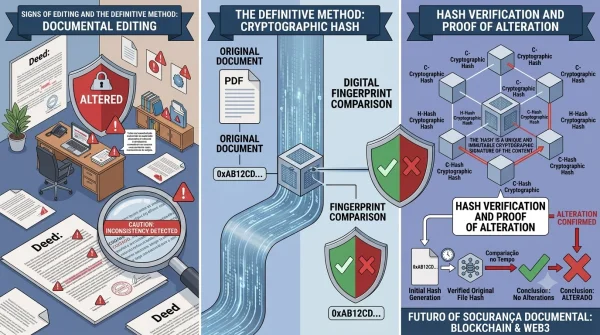
- Inconsistent fonts: a section with a slightly different font, size, or spacing than the rest of the text.
- Odd alignment: numbers or words that don't line up perfectly with the rest of a table or paragraph.
- Visible layers in a PDF: when you try to select text, a section behaves like an image pasted over the original text.
- Inconsistent metadata: the file's "created" and "modified" dates (visible in the document's properties) don't match the claimed date, or show edits made in different software than the original.
- Different image quality or resolution: in scanned documents, a stamp or signature with noticeably different sharpness than the rest of the page.
These signs are useful for raising suspicion, but they are not proof. Metadata can be erased or forged, and a well-executed edit leaves no visual trace at all.
The problem with traditional methods
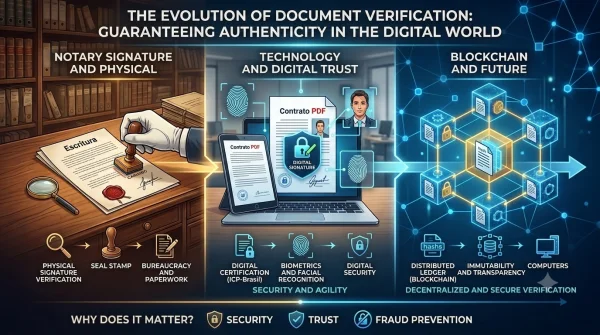
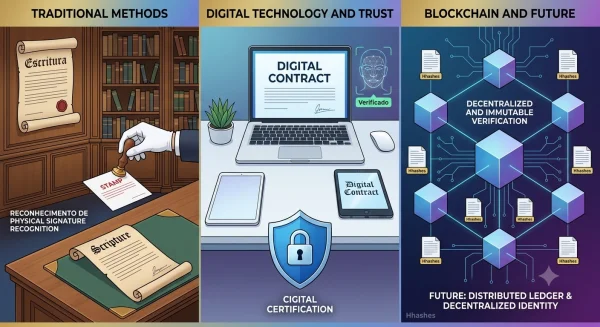
Comparing two printed copies, checking signatures "by eye," or trusting the word of whoever sent the document are all fragile practices. None of them answer the central question: is this file, today, identical to the one that existed on a given date?
The method that actually proves alteration: hash comparison
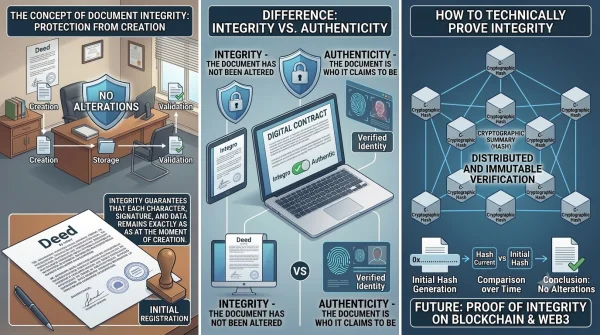
The technically reliable way to know if a document has been altered is to compare the cryptographic hash of the current file with the hash of a version registered earlier.
Here's how it works:
- At the moment the document is created or signed, a hash (usually SHA-256) is generated — a unique code derived from the file's entire content.
- That hash is registered somewhere it can't be altered afterward, such as a blockchain smart contract, along with the exact date and time.
- Later, when doubt arises about the document, you simply generate the hash of the file in hand again and compare it with the registered hash.
If the two hashes are identical, the file hasn't been altered at all — not even by a single extra space. If they're different, something in the content changed, even if the change is invisible to the naked eye. There's no middle ground: cryptographic hashes like SHA-256 don't have "almost the same" — any alteration, no matter how small, produces a completely different result.
Why this works without ever opening both files side by side
The strength of this method is that it doesn't rely on visual comparison. A document with a single swapped comma is, for hashing purposes, a completely different file from the original — the algorithm amplifies any minimal difference into a wholly different result, with no pattern relating one hash to the other.
What if the document never had a hash registered?
This is the real limitation: this method only works if a hash was generated and registered at the moment the document was reliably original — typically right after creation or signing. It's not possible to retroactively prove that an old document, with no prior registration, wasn't altered; in that case, only the indirect signs mentioned above remain.
This is the main argument for registering important documents the moment they're generated, rather than simply storing them. Services like Attestify automate exactly that step: the document's SHA-256 hash is generated in the browser at upload time, registered on the Polygon blockchain, and reinforced with an RFC 3161 timestamp from an external authority (FreeTSA). From then on, anyone can, at any time, upload the file to the public verification page and find out in seconds whether it's still identical to the original — at no cost and without an account.
Summary
| Situation | What can be determined |
|---|---|
| Document with no hash registered beforehand | Only visual clues, never definitive proof |
| Document with a hash registered on the blockchain | Mathematical, definitive proof of alteration or integrity |
The practical takeaway: if a document matters enough to potentially cause a dispute, it matters enough to have its hash registered the moment it's created.